
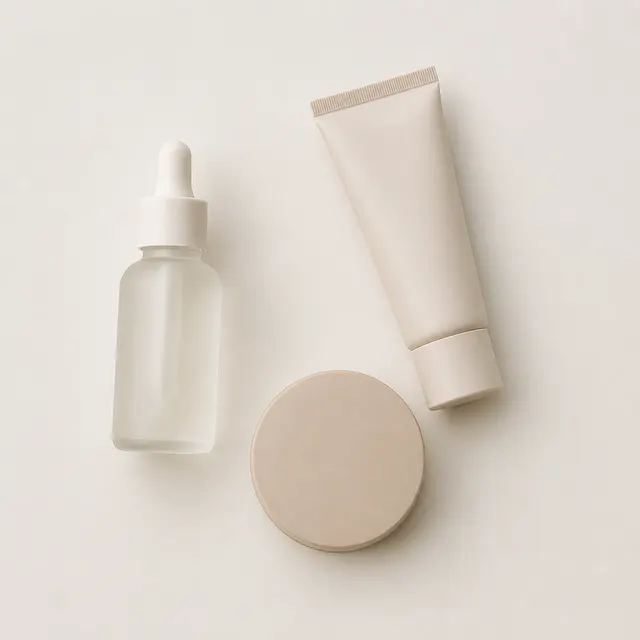
 Beauty & personal care
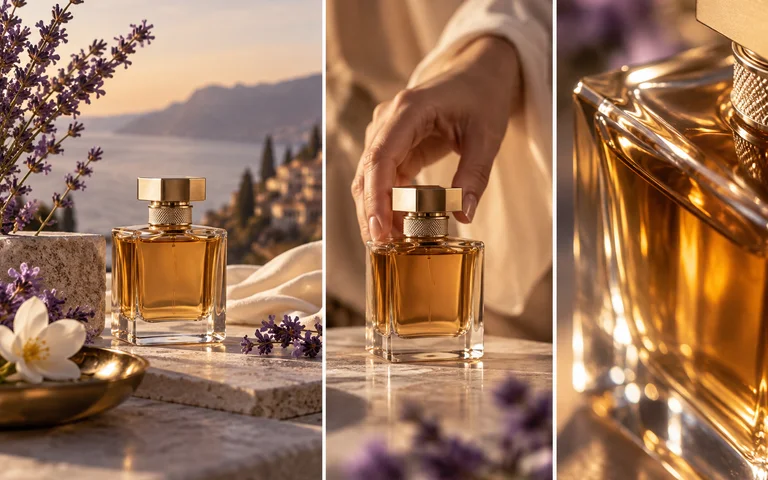
Bottles, tubes and compacts with reflective surfaces and small print. Label text stays readable at listing size.
Turn prompts into polished images in seconds. Start on the homepage, then switch to image-to-image or image-to-video when you want to transform an existing photo.
Recommended tools
Explore image tools selected by the IMVZ team.
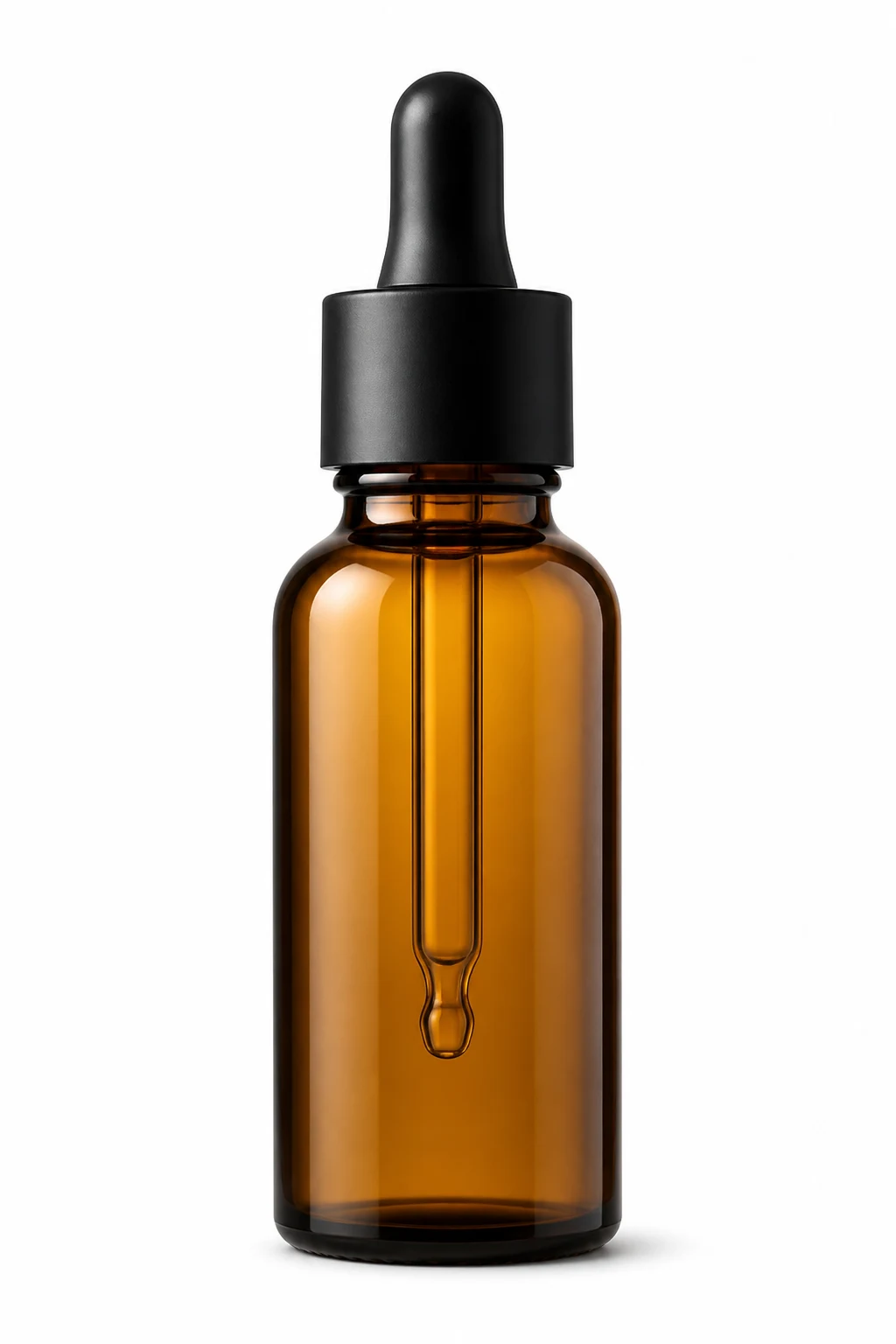 Background removerCut the product out and drop it on a clean backdrop.
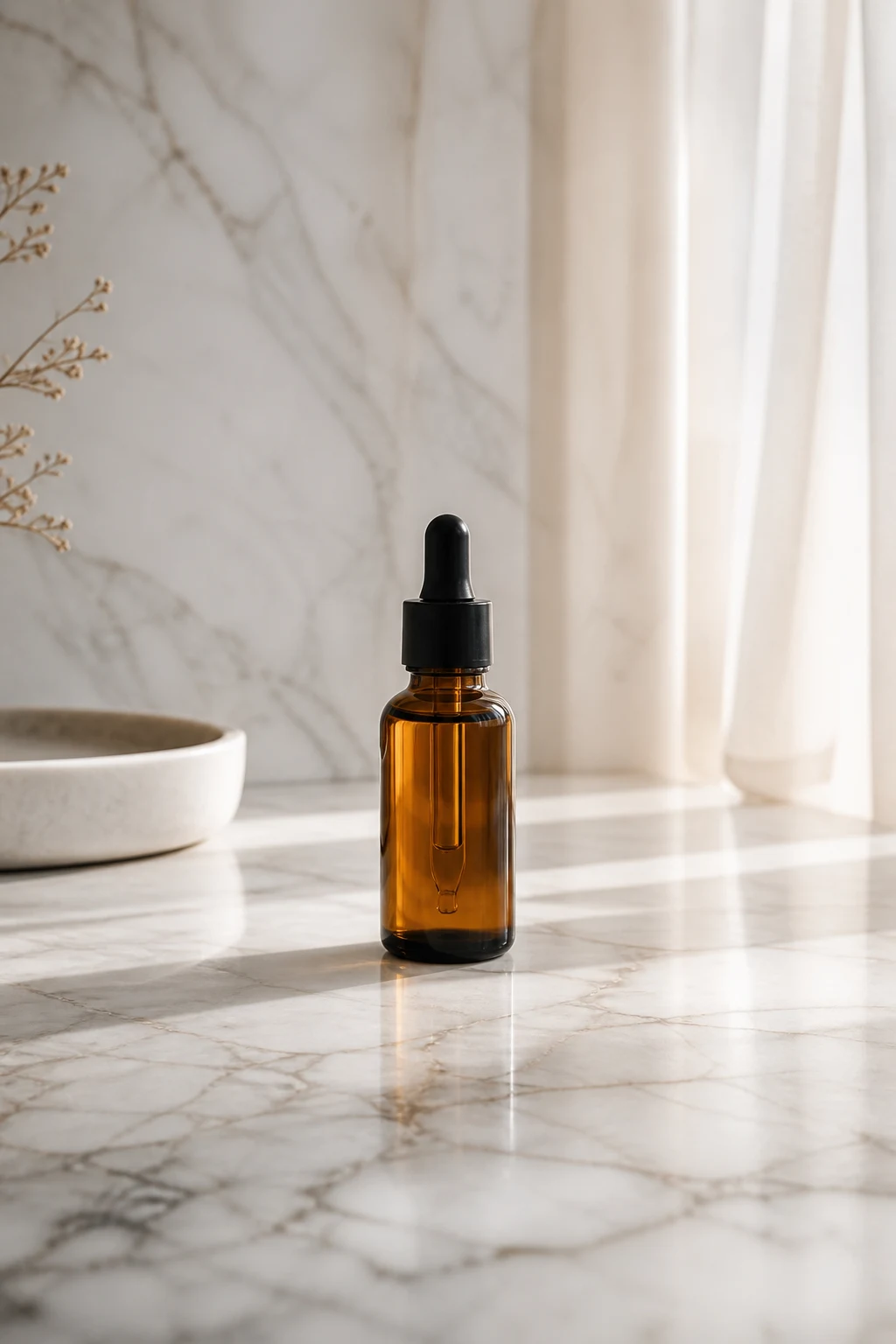 Expand imageExtend the frame and fill the new space naturally.
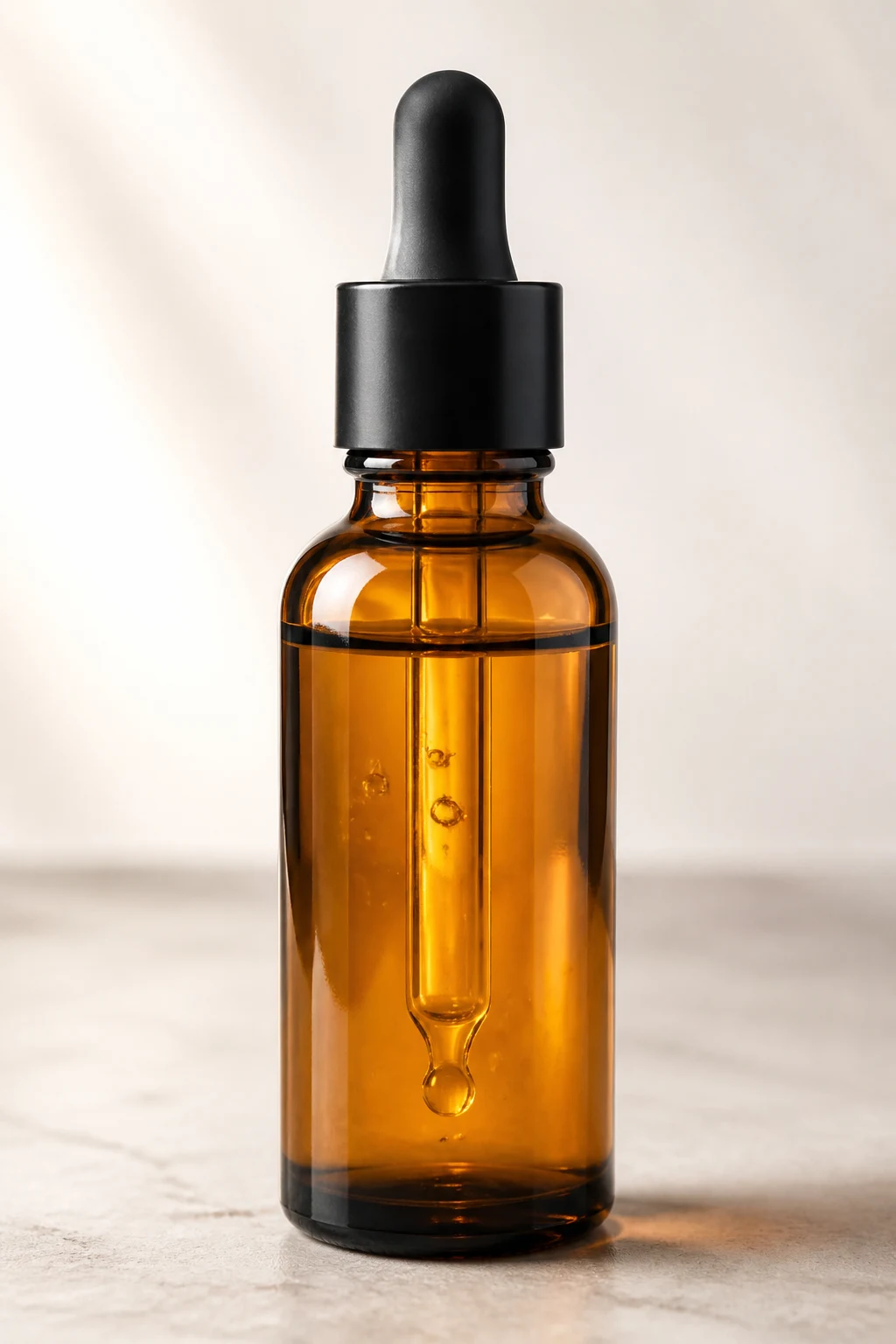 Image upscalerRaise resolution and clarity without changing the product.
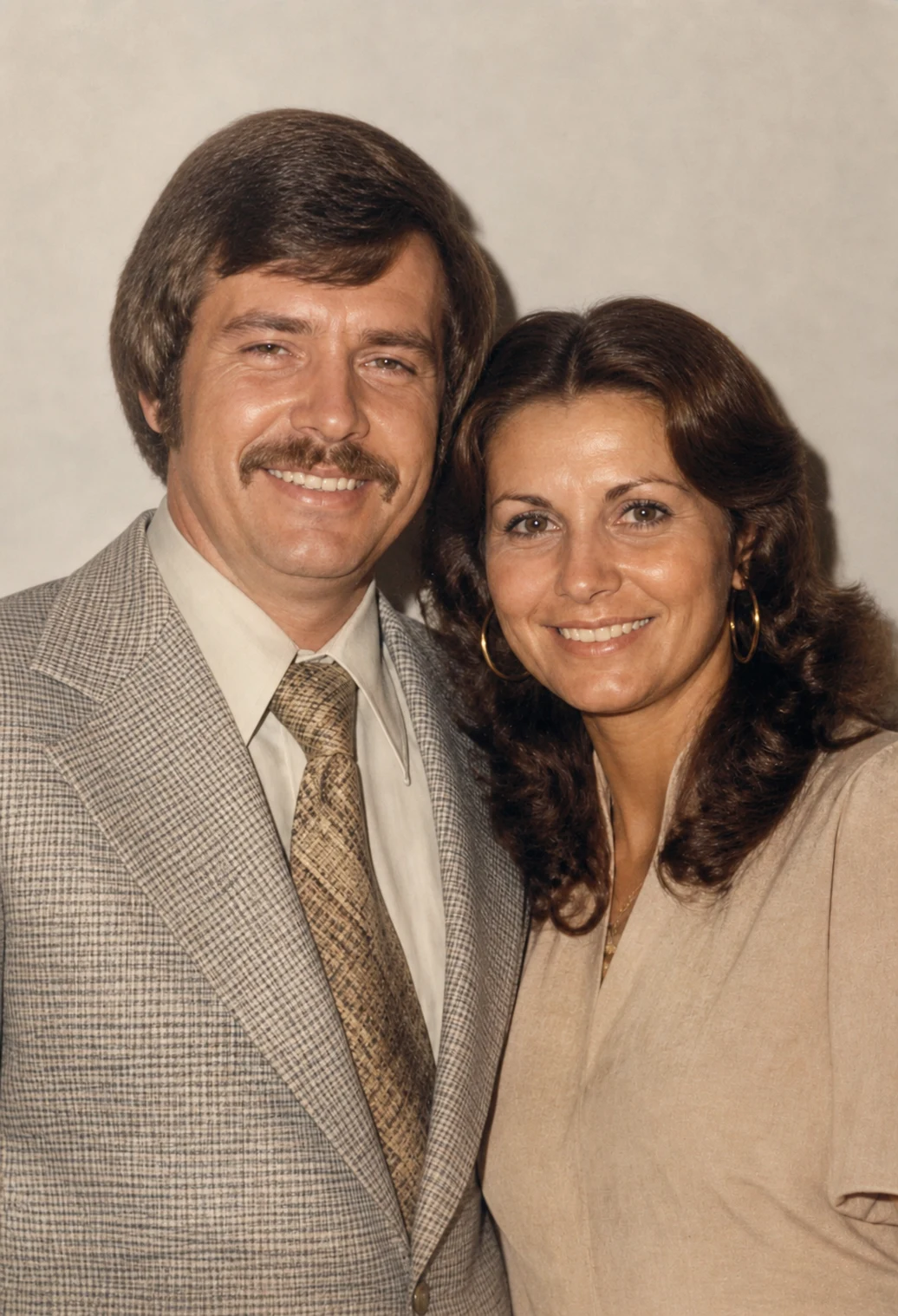 Photo restorationRepair old or damaged photos and recover detail.
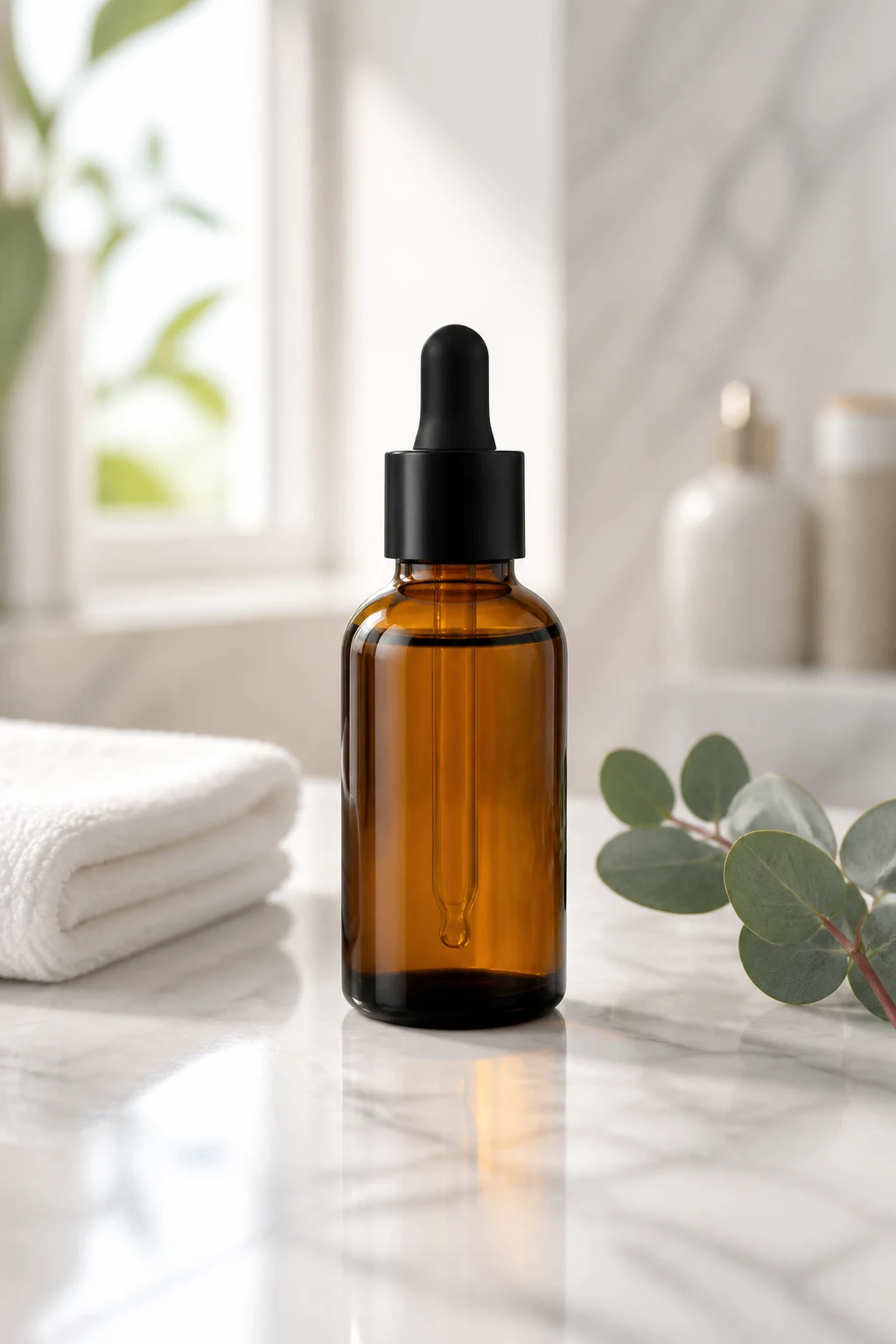 Background generatorPlace the product into a believable real-world scene.
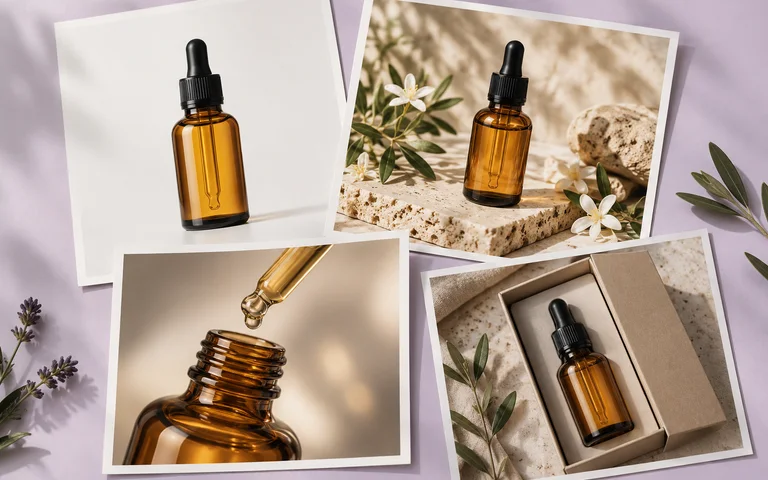 Product image setRequires Max membershipPlan and generate a consistent set of product images.
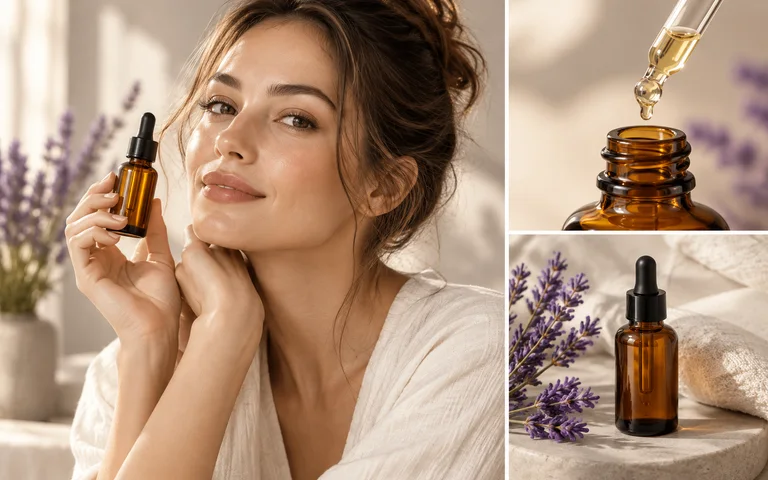 Amazon A+ contentRequires Max membershipPlan and generate one landscape image for each selected module.
Recommended tools
Turn product images, ideas, and key frames into videos.
 Video creationRequires Pro membershipCreate a short video from a scene reference and optional requirements.
 Store visit videoRequires Pro membershipShow a real store and its supplied services.
 Reference video adaptationRequires Pro membershipAnalyze sampled scenes, review an original script and create a product video.
 Modern family-drama shortRequires Pro membershipCreate an original commerce drama from an authorized reference.
 Palace-drama shortRequires Pro membershipCreate an original commerce drama from an authorized reference.
 Family-feud shortRequires Pro membershipCreate an original commerce drama from an authorized reference.
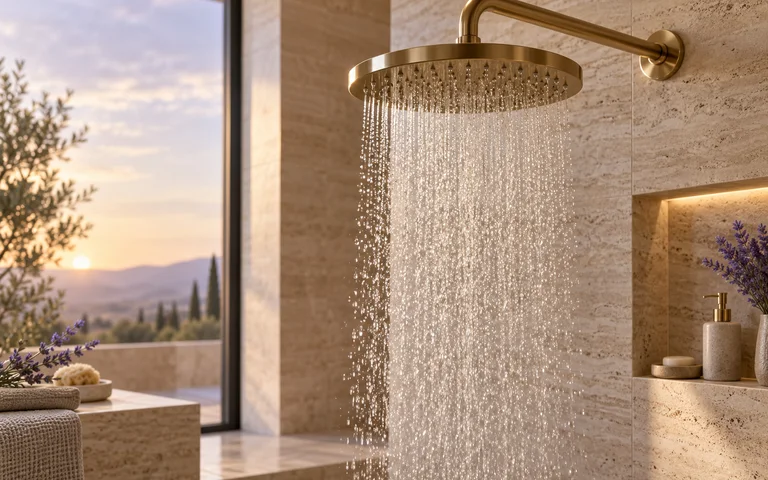 Shower showcaseRequires Pro membershipCreate a short video from one reference image.
 Text to videoRequires Max membershipStart with a written idea and create a video scene.
 Image to videoRequires Max membershipAdd a reference image and describe how it should move.
 First and last frameRequires Max membershipSet the opening and ending frames for a guided transition.
Before and after
Backgrounds, scenes and resolution change. Shape, logo, on-pack text and colour do not.
Explore categories
Explore image and video workflows for these product categories.
Beauty & personal careBottles, tubes and compacts with reflective surfaces and small print. Label text stays readable at listing size.
 Home & kitchen
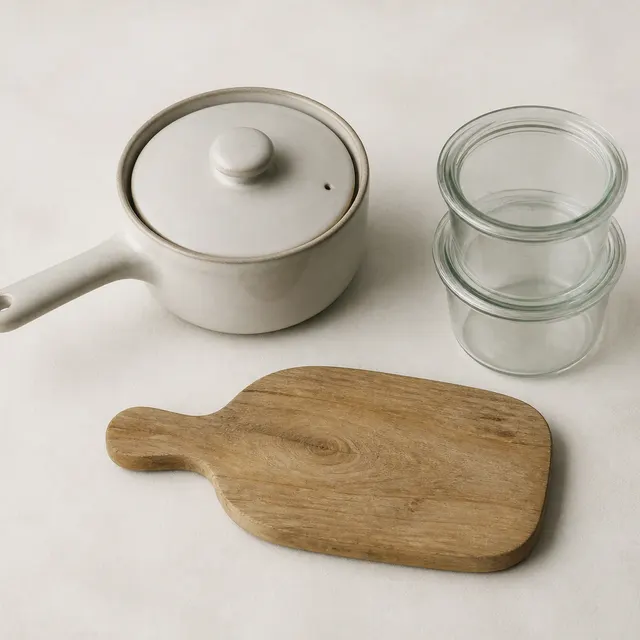
Cookware, storage and small appliances placed into believable rooms, lit to match the surface they sit on.
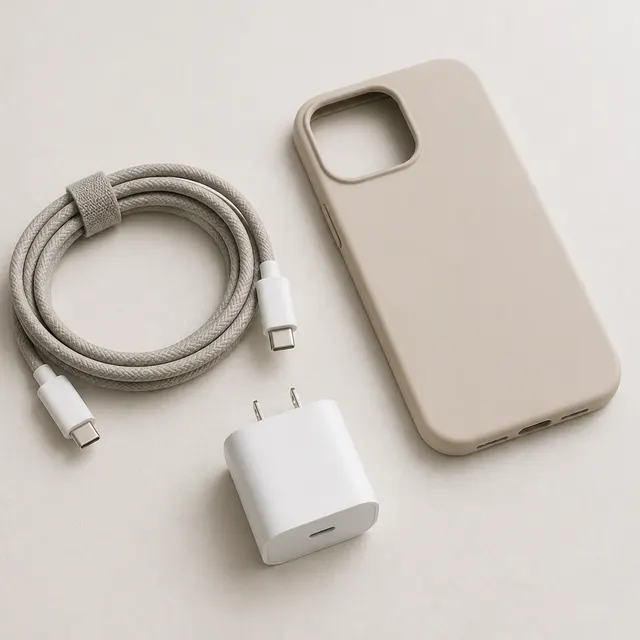 Electronics accessories
Cables, cases and chargers where ports, buttons and finish have to survive the edit unchanged.
How it works
A phone photo is enough. JPG, PNG or WEBP.
Remove the background, build a scene, resize, or upscale.
Plain-language choices — no prompt writing required.
Download at marketplace dimensions, or keep going with another tool.
From the community
Real examples with the steps that produced them.
FAQ
It turns product photos into the images a listing needs: clean white-background shots, lifestyle scenes, correctly sized crops and higher-resolution versions.
No. Each tool asks a few plain questions — background colour, scene, output size — and writes the instructions for you.
That is the core constraint. Every edit tool is instructed to preserve shape, proportions, material, logo, on-pack text and colour. Check the result before you publish; if something drifted, regenerate.
Output sizes cover Amazon, Shopify and the common social formats. You download the files and upload them yourself — IMVZ does not post to your store.
Yes, for your own products. You are responsible for holding the rights to whatever you upload.
You can start without paying. Advanced generations consume credits, so you can try the platform before buying.
Upload JPG, PNG or WEBP. Download JPG, PNG or WEBP at the size the tool produced.
Uploads and results stay private to your account and are not used to train models.
No card, no setup. Upload something and see what comes back.